

As a web developer, having a place to quickly test code can be extremely handy. For this post, we’ve gathered some very useful websites that allow you to do just that. And along with testing a debugging, many of these sties let you share and backup, which is a huge benefit when collaborating with other developers.
jsfiddle
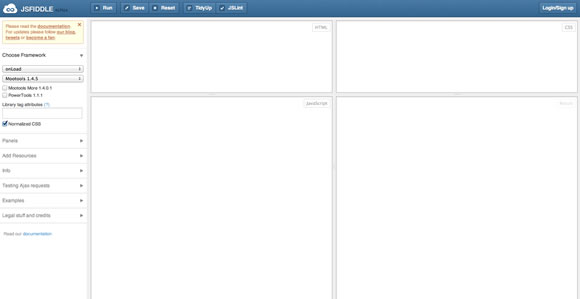
JsFiddle is a playground for web developers, a tool which may be used in many ways. One can use it as an online editor for snippets build from HTML, CSS and JavaScript. The code can then be shared with others, embedded on a blog, etc.
codepad
codepad is an online compiler/interpreter, and a simple collaboration tool.

Google Code Playground

ideone
Ideone is something more than a pastebin; it’s an online compiler and debugging tool which allows
to compile and run code online in more than 40 programming languages.

PractiCode

jsdo.it
Our site is engagement-driven. We offer both, vivid environment for developers to showcase their trendy works on JavaScript and HTML5, as well as community to share their codes and learn from each other. That’s why we call our communtiy ‘a coding avenue’.

cssdesk

JS Bin




One more, an amazing one » https://tinkerbin.com/
Another good tool is regexpal.com for testing regular expressions to make sure they work as you expect
Yea I agree with Gregorio, https://tinkerbin.com rocks!
Yeah another one would be https://gskinner.com/RegExr/ for testing regular expressions.
I would probably add https://dabblet.com/ to this as well. Granted it’s only CSS, but it’s extremely nice seeing a live preview of exactly what your CSS looks like.
I wanted to check the speed of my website.This tools will help a lot to check the speed. Thanks for this tool.Very helpful.
i’m using codepad…
Nice list! I haven’t seen some of these and always looking for better ways to test. For CSS I will usually use Chrome’s Dev Tools (Inspect Element) and within the CSS section you can add new lines of code or change anything in CSS or the HTML. It only effects the page in your browser until it is refreshed so it’s great for seeing the actual site you are testing. The same thing goes for Firebug Lite in IE, which is a life saver for making IE specific style sheets. Cheers!
One more for the collection: https://snippet.io