

Since here at WDL we believe that designers need to be constantly learning new tricks and improving old ones, today we decided to gather a few tutorials that will make your life easier. From text effects to icons and object conversion, we will show you a lot of useful tutorials here.
Create a Valentine’s Day-Inspired 3D Text Effect Using Filter Forge and Photoshop

Create Default Type Styles in Photoshop CS6.1

Quick Tip: How to Create a Metallic Text Effect Using Layer Styles in Photoshop

Create a Futuristic Concept Car in Photoshop

Create a Sparkling Diamond and Gold Text Effect Using Filter Forge and Photoshop

Import Swatches From CSS to Photoshop

How to Work With Slices in Photoshop

Quickly Convert Objects to CSS Using Photoshop CS6.1

Create a Dynamic Inverted Color Effect

How to Draw a Camcorder Icon From Scratch in Photoshop

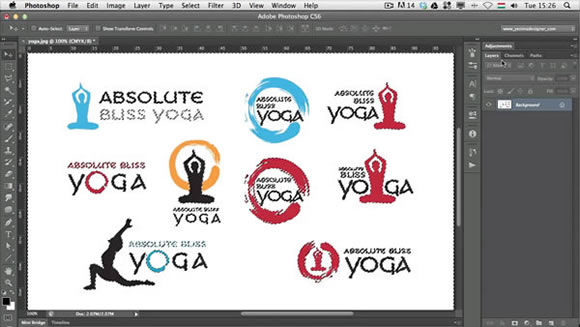
Working With Logo Designs in Photoshop

Create a Knitted Argyle Text Effect Using Filter Forge and Photoshop

Create a Magazine Mockup Using InDesign and Photoshop

How to Work With Selections More Efficiently
Create a Tasty Cupcake Icon in Photoshop

Create a Headset Icon in Photoshop

Create a Stitched Denim Text Effect in Photoshop





Several very useful tips, thanks. I think the Photoshop > CSS will be very handy (and is one I didn’t know about).
Great tutorials collection, some of these are really amazing!
very nice tutorials 🙂